Best AI Image Generators in 2026
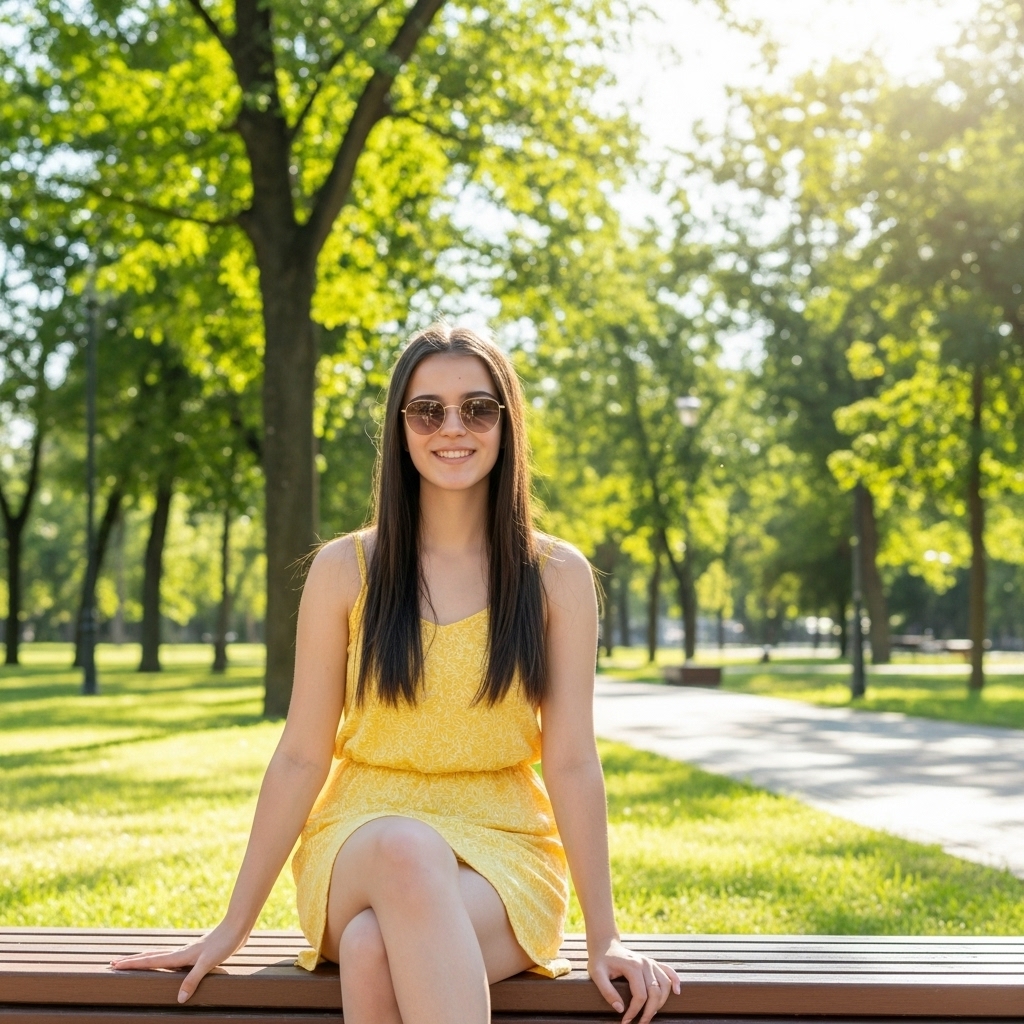
AI image generation went from novelty to workflow in two years, and the current generation of tools produces work that would have cost hundreds of dollars per image a decade ago. Here is the landscape in 2026, and the prompting style that gets the most out of it.
Introduction
The AI image tools have crossed the line that matters: the images are good enough for real work, thumbnails, concept art, social content, product mockups, and the cost is a subscription instead of a designer's afternoon. The tools are no longer the question; the choice of tool and the quality of the prompt are. This guide covers both.
1. The tools, by what they are best at
Midjourney remains the quality leader for artistic and stylized work. Its images have a polish that the others chase, and it is the default for creators who want beautiful rather than merely accurate. It runs through a chat interface, which bothers some people and delights others, and the subscription, $10 to $30 a month, is the price of the quality.
DALL-E, through ChatGPT and its own interface, is the easiest to use: describe the image in plain language and it handles the rest. The quality is excellent, the interface is forgiving, and it is the right first tool for anyone who wants results without learning a prompt grammar.
Stable Diffusion is the control option: open, free to run locally if your computer can handle it, and infinitely customizable through models and settings. It has the steepest learning curve and the most power, and it is the choice for people who want a tool they own rather than a service they rent.
The free AI tools guide covers the no-budget options, and the honest summary is that the free tiers are enough to learn on, and the paid tier earns itself the first month you use an image for something real.
2. The prompting style that works
The image prompt formula has four parts, in order: subject, style, lighting, mood. "A small bakery storefront" is the subject; "illustrated in a warm storybook style" is the style; "morning light through the window" is the lighting; "cozy and inviting" is the mood. The four parts together produce an image with intention, and the parts alone produce whatever the model defaults to.
The second rule: be specific instead of vague. "Film photography" beats "nice photo," "watercolor" beats "art," "autumn afternoon" beats "daytime." The model reads the prompt like a checklist of concepts to include, and every specific word steers the result. The ChatGPT guide covers the same specificity principle in text, and it transfers to images exactly.
3. What the tools still get wrong
The honest limitations, so you know what to fix: text in images is now mostly legible but still occasionally wrong, hands are mostly correct but occasionally still haunted, and faces of real people are often blocked or altered by policy. The workflow that handles this: generate several versions, pick the best, and fix the small flaws in an editor rather than re-prompting endlessly. The Canva guide covers the fixing side, and the combination, generate with AI, finish by hand, is the professional workflow.
4. The use cases that pay for themselves
- Thumbnails and covers: the image that sells the content, generated in minutes instead of sourced or shot.
- Concept art and mood boards: the visual direction for a project, explored in an afternoon instead of a week.
- Product mockups: the packaging, the poster, the label, visualized before printing.
- Backgrounds and textures: the material for designs that used to require stock subscriptions.
- Social content: the illustration for the post, made to match the brand's style with a consistent prompt template.
The Pinterest guide shows where the images go to earn traffic, and the commercial use question matters before any of it: check the tool's license, because the paid tiers mostly allow commercial use and the free tiers sometimes do not.
5. The workflow that compounds
The professionals use a prompt library: the style prompts that work, saved and reused, so every image matches the brand. The method: develop your four-part template, generate in batches, keep the good ones, and iterate on the misses with small changes, one variable at a time. The library compounds: month one is experimentation, month three is a style, month six is a visual identity generated on demand. The tool is the assistant; the taste is the craft, and the craft is the part that compounds.
Conclusion
The AI image tools are ready for real work: Midjourney for quality, DALL-E for ease, Stable Diffusion for control, and the four-part prompt, subject, style, lighting, mood, for the results. Generate in batches, fix the small flaws by hand, save the prompts that work, and let the library become a style. The images that used to cost a designer's afternoon now cost a sentence, and the sentence is yours to write well.
Frequently asked questions
What is the best AI image generator in 2026?
Midjourney for artistic quality, DALL-E for ease of use, and Stable Diffusion for control and free local use. The best tool depends on the job: art, speed, or control, and most people need one, not three.
Are AI image generators free?
Some are: Bing Image Creator and some Stable Diffusion interfaces are free with limits, and the major tools offer free trial credits. The paid tiers cost $10 to $30 a month, which is cheap if you generate regularly and unnecessary if you don't.
How do I write good AI image prompts?
Describe the subject, the style, the lighting, and the mood, in that order, with specific references instead of vague ones. 'Golden hour light, film photography style' beats 'nice photo.' The model reads the prompt like a checklist.
Can I use AI images commercially?
Depends on the tool's license. Most paid tiers allow commercial use; free tiers sometimes restrict it. Check the terms before using generated images in a business, because the license is the difference between an asset and a liability.
Are AI images good enough for social media?
Yes, for most uses: thumbnails, backgrounds, concept art, and product mockups. The telltale flaws, hands and text, have mostly been fixed in the current generation. The quality is no longer the barrier; the taste in prompting is.
This article is for general information only.